
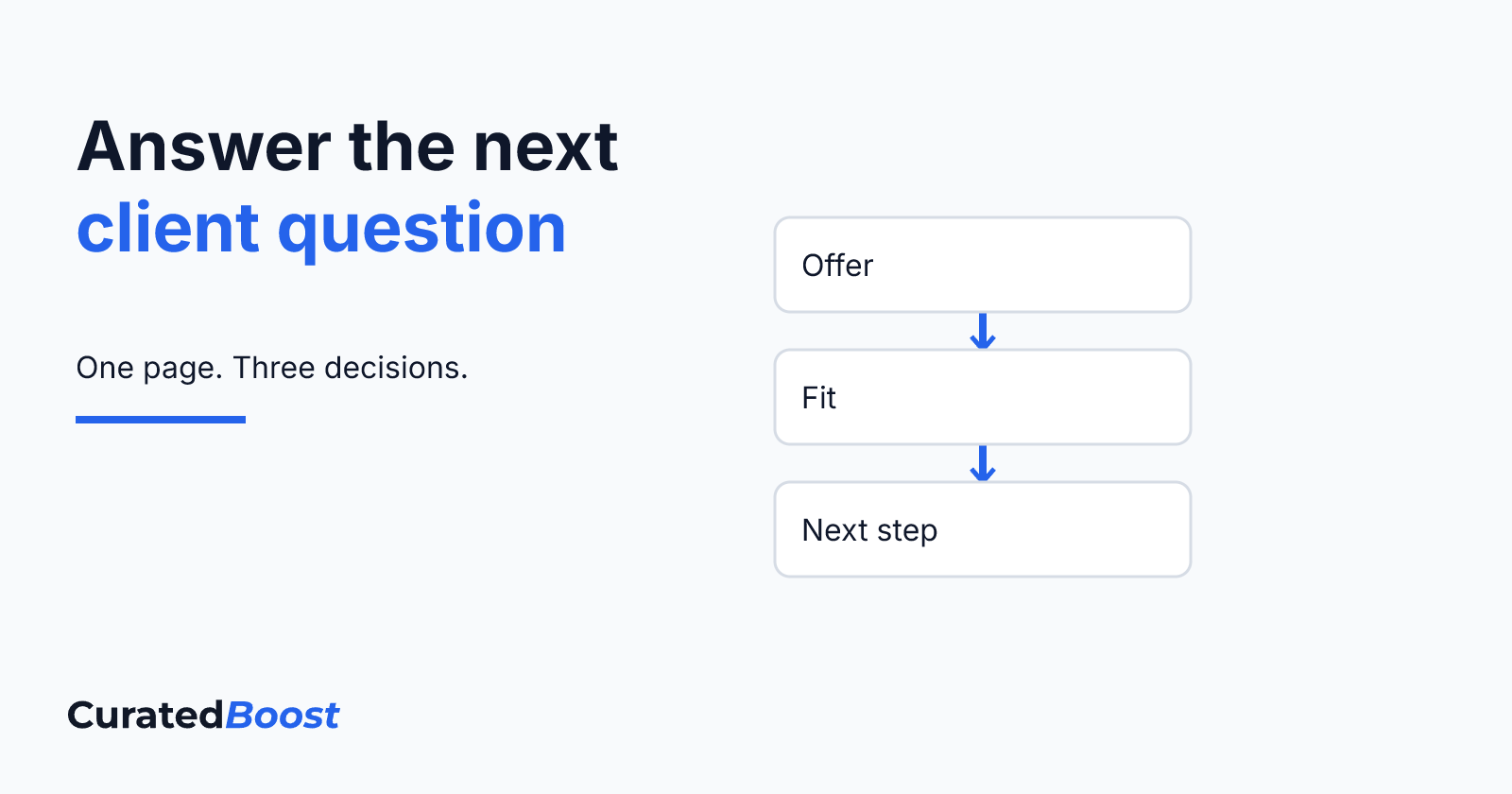
A useful service page helps someone understand what you offer, whether it fits their situation, and what to do next. Start with those three decisions. Then add the detail a person needs to make them without having to guess.
For an owner-led service business, this is a manageable place to improve an existing website. You can work on one offer at a time. You do not need to settle every page, redesign the whole site, or promise a result you cannot support.
Name the service in words a client would use
Read the first heading on your page. Does it name the work, or could it belong to almost any business? A phrase such as “Solutions for your next chapter” leaves the reader to work out what you actually do.
Try a direct service name followed by a short explanation of who it is for. As a hypothetical example, a consultant might write: “Project planning for small teams preparing a new service.” The next sentence could explain the work: “We help you define the scope, responsibilities, and first steps before delivery begins.”
Use wording that accurately reflects your own offer. If clients use different terms, include a brief explanation rather than filling the heading with several keywords. The point is to make the service recognisable.
Explain the situation the service fits
A visitor may recognise the service name and still be unsure whether it applies to them. Describe a few practical situations in which someone might consider the work. Keep these close to the questions you hear during enquiries.
For the hypothetical planning service, the page might describe a team that has agreed on an idea but has not assigned responsibilities, or an owner who needs to decide what belongs in the first version. These are examples of fit, not claims that every reader has the same problem.
Also explain important limits. If your service covers planning but not delivery, say so. Clear boundaries give both sides something concrete to discuss.
Make the work and deliverables visible
“A tailored approach” tells the reader little about what happens. Explain the main activities and what the client receives. Separate them where that helps: a planning conversation is an activity; a reviewed scope document is a deliverable.
Write a short list of the items that are actually included. Explain unfamiliar terms and identify anything that depends on the agreed scope. If support after handover is a separate service, make that clear rather than leaving it inside a broad promise.
You can describe a typical sequence without presenting it as a fixed timetable. For example: first clarify the need, then agree on the scope, then prepare and review the work. Only publish timing or pricing you can stand behind. When either varies, explain what you need to know before confirming it.
Use examples that show what you mean
Choose evidence that helps a reader understand the service. A small annotated sample can explain a deliverable more clearly than a long list of adjectives. Describe what the example shows and what someone should notice.
If you use a real project, keep your role, the context, and any stated outcome accurate. If you use a demonstration, label it as a concept or hypothetical example beside the image. A sample can show how you think without becoming a claim about work you have completed.
When you have no suitable project to share, explain one decision instead. You might show how a broad request becomes a more specific scope. Avoid filling the gap with invented testimonials, client names, or performance figures.
Give the next step enough context
A button is more useful when the reader knows what follows it. If the next step is an enquiry, explain what information will help you respond. A short description of the need and any known constraints may be enough to begin; use the details your process actually requires.
Keep the action consistent with the page. “Start your project” can lead to an enquiry without suggesting that a click confirms a booking or starts paid work. Avoid stating a response time unless you can maintain it.
If you want help shaping your offer into a clear page, explore website design and development.
Review the page as someone new to the business
Ask someone unfamiliar with the offer to read the page and tell you what they think is included, who it fits, and what happens next. Notice where their answer differs from your intent. Revise the unclear part before adding more sections.
Read it on a phone too. Check that the main explanation is easy to find, examples have useful descriptions, and the next step is visible without interrupting the reading. This is an editorial check; a full accessibility review needs its own attention.
A clear service page gives the next conversation a useful starting point. If you would like help reviewing one offer and its place on your website, Start Your Project.
Shem
Founder of CuratedBoost. Strategy, design, and growth for small teams who want calm, confident momentum.