Your new website is live. Next week, a service description needs changing, a renewal notice arrives, and someone asks where website inquiries go. Can your team handle those tasks without guessing?
A useful handover gives the business a practical way to run the website. For an owner-led service business, that means clear instructions for routine work, named account owners and an agreed route for problems.
Use these five checks before closing a website project. If the site is already live, they can also help you identify gaps in the handover you received. The exact documents and support arrangements will depend on your agreed scope.
1. Practise one routine edit
Choose a change your team will actually make: updating a service description, replacing a team photo or changing opening hours. Ask for a short walkthrough, then have the person responsible repeat the task using their own access.
The instructions should show where to edit, how to preview the result and who approves publication. Check the page on a phone as well as a larger screen. Include what to do if the result looks wrong, and explain which changes require help from the website partner.
A recording or short written guide can support the walkthrough. The useful test is whether the responsible person can complete the task and explain when to stop and ask for help.
2. Record who controls the essential accounts
Ask for a simple account register covering the domain, hosting, website editor and any connected tools the site relies on. Record the service, the business owner responsible, the billing contact and where access is managed.
Confirm that the business has the ownership and access agreed in the project scope, rather than assuming that a login makes it the account owner. Identify any service managed by your website partner and what happens if that arrangement ends.
Keep passwords and recovery codes out of the handover document. Use the agreed secure access process, and record the route to that process. If access is missing, agree who will resolve it before marking that part of the handover complete.
3. Follow an inquiry from the form to a human response
A form confirmation tells the visitor something happened on the page. It does not, on its own, show that the right person received the inquiry or knows what to do next.
Agree a test using fictional details. Check the visitor confirmation, the destination inbox or record, and the person responsible for responding. Compare any response-time wording on the website with what the team can realistically maintain.
Write down how the team checks for missed inquiries, who investigates a failed delivery and how a visitor can contact the business another way. Where a form connects to another tool, include that handoff in the test. Keep test submissions clearly labelled and follow the agreed process for clearing them.
4. Make renewals and ongoing costs visible
Put the domain, hosting and paid tools in a renewal register. For each one, record the renewal date, who receives the notice, who can approve payment and the currently agreed cost or where to check it.
Distinguish services the business pays directly from charges included in an ongoing agreement. Ask what happens to licences or paid features if that agreement ends. Do not assume a tool remains available because it was used to build the site.
Choose a review date for the register and name the person who maintains it. The aim is a short, usable record that stays current, rather than a detailed spreadsheet nobody owns.
5. Agree the support route and its boundaries
Clarify which issues belong to the website partner, which belong to a tool provider and which the business handles itself. Record how to request help, what information to include and any response arrangements already agreed.
Separate a defect covered by the project agreement from a content update, a new feature and ongoing maintenance. Ask how each is assessed and approved. Avoid treating a general promise of “support” as a complete description of what is included.
For urgent problems, such as an unavailable site or a failed inquiry route, identify the first contact and the fallback if that contact is unavailable. Record who is responsible for backups and recovery, and where the agreed recovery steps are kept. Record any limits honestly; do not turn an informal conversation into an assumed service commitment.
Use a short handover record
For each check, record four things: what was demonstrated, where the instructions live, who owns the task and what remains unresolved. Keep unfinished items visible, with a responsible person and an agreed next action.
For example, in a fictional consultancy handover: “Service-page edit demonstrated; guide in the team folder; business owner handles copy approval; website partner still to document how to replace a PDF.” That is more useful than marking the whole handover complete while the PDF task remains unclear.
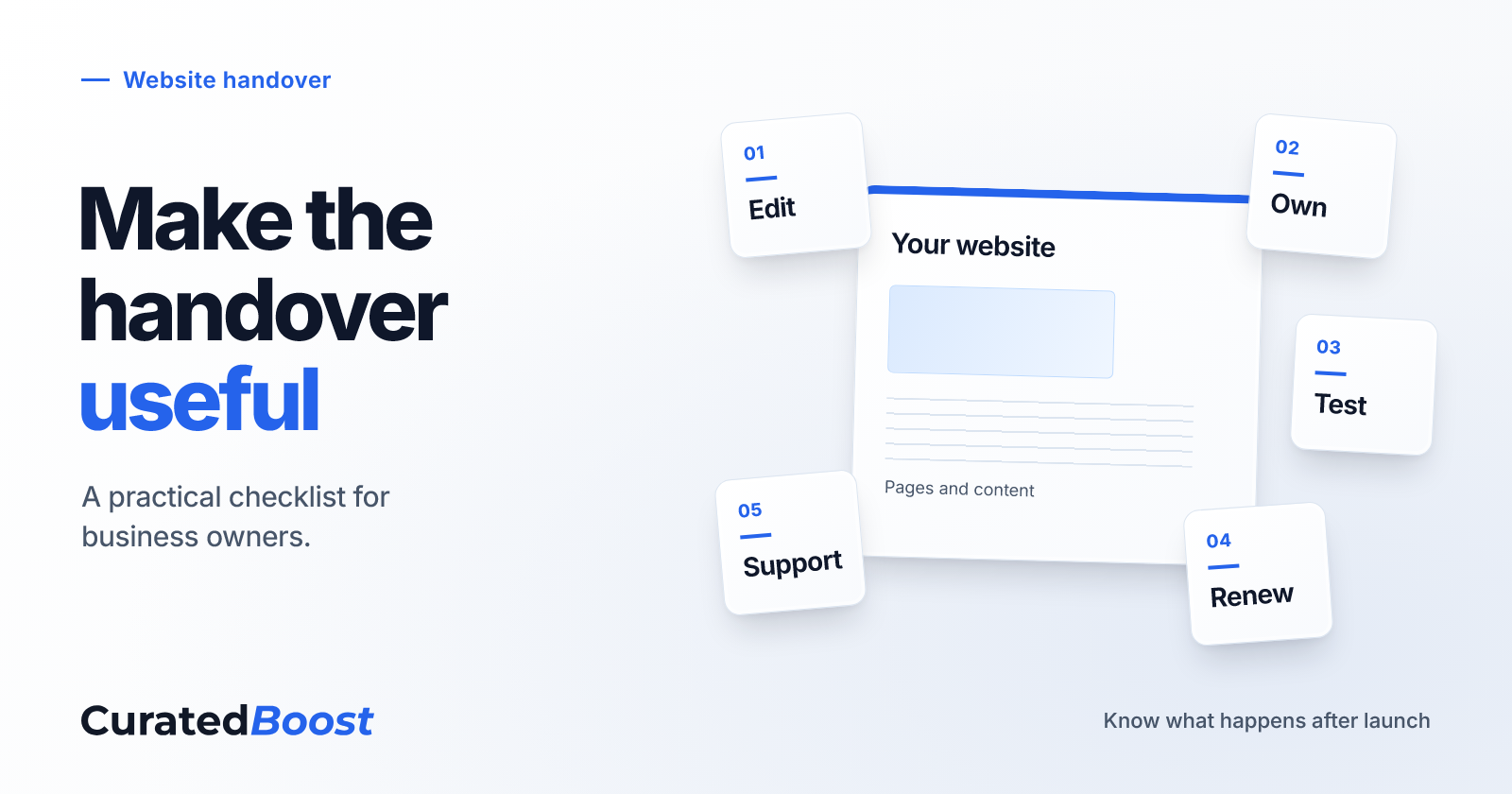
- Edit: Can the responsible person make and preview one common change?
- Own: Are the essential account owners and access routes recorded?
- Test: Has a fictional inquiry reached the person who will respond?
- Renew: Are renewal dates, costs and payment responsibilities visible?
- Support: Is there a clear route for help, with agreed boundaries?
Bring the checklist to the project conversation
A website handover is easier to assess when it is tied to the work your business needs to do next. Bring these five checks to your website partner and agree what is included, what needs resolving and what requires a separate scope.
Planning a website project? Tell CuratedBoost what customers need to do on the site and who will maintain it afterwards. That gives the project conversation a clear starting point.
Start a website project conversation
Related reading
How to write a service page that answers client questions
Custom vs template websites: how to decide in 30 minutes
Shem
Founder of CuratedBoost. Strategy, design, and growth for small teams who want calm, confident momentum.